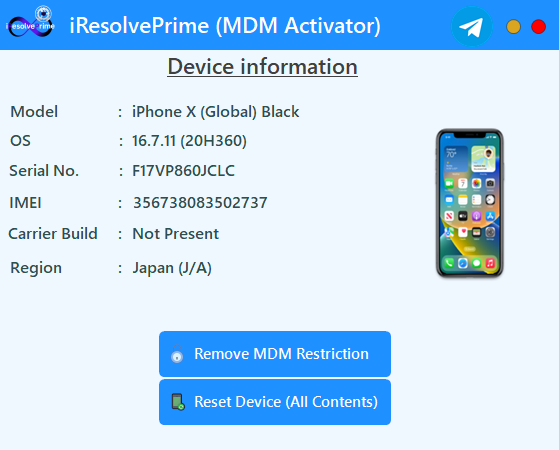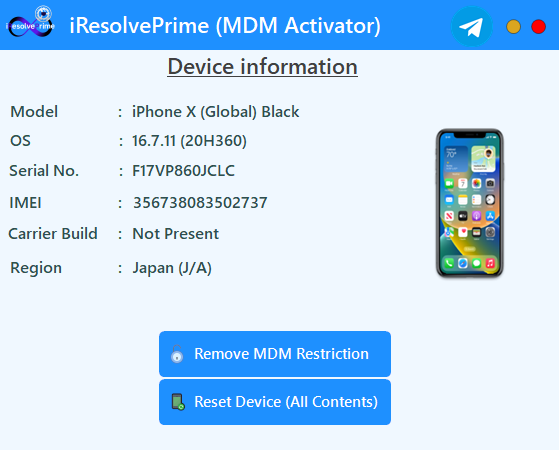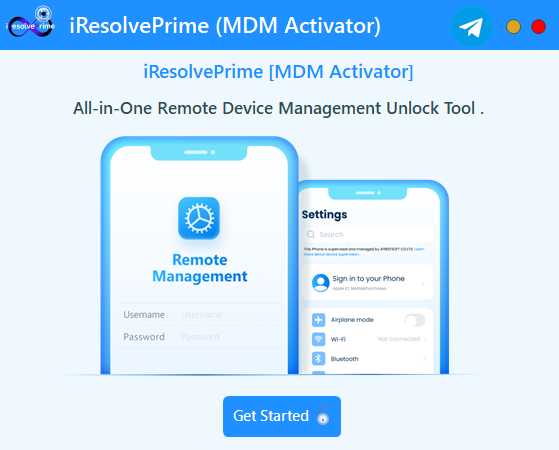
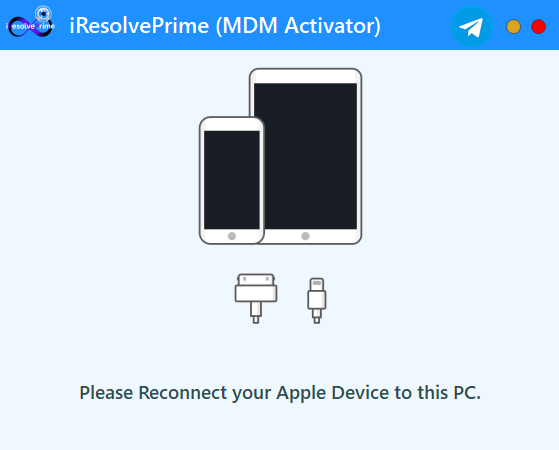
iResolvePrime MDM Unlock Software Interface Screenshot - Remove MDM from iPhone iPad Tool

Remove MDM from iPhone & iPad - Professional MDM Removal Solution

Unlock your Apple devices effortlessly with our industry-leading MDM removal technology. Remove Remote Management (MDM) from iPhones, iPads, iPods, and iMacs with 100% success rate. Bypass Supervision Profiles and erase restrictions instantly.
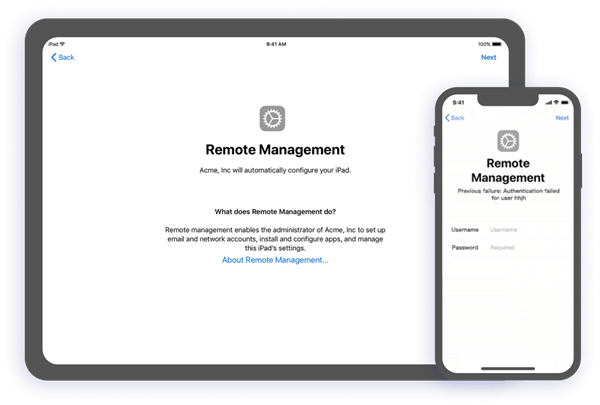
Fully compatible with Windows 7, 8, 8.1, 10 & 11
0
Downloads
0
Clients
0
Visitors
100%
Success Rate

How to Remove MDM from iPhone and iPad

Quickly and safely remove MDM from your iPhone or iPad in just three simple steps.

Step 1: Connect Your Device

Plug your iPhone or iPad into your computer using a USB cable. The software will automatically detect your device.

Step 2: Click Remove MDM Restriction

Open the software and click on "Remove MDM Restriction". The tool will start the removal process automatically.

Step 3: MDM Removed

Your device will reboot with MDM fully removed — no more remote management or supervision restrictions.

Why Choose iResolvePrime MDM Unlock Tool?

Universal Compatibility

Supports all Apple devices, including iPhones, iPads, iPods, and iMacs, across all iOS versions.

One-Click MDM Removal

Remove MDM restrictions with a single click, no technical expertise required.

Safe & Secure

Ensures data integrity and device safety during the MDM removal process.

Fast Processing

Bypass MDM locks in minutes to regain full control of your device.

User-Friendly Interface

Intuitive design makes it easy for anyone to use, no technical knowledge needed.

24/7 Support

Round-the-clock support via Telegram to assist with any issues.

Auto MDM Host Detection

No manual input needed; automatically detects MDM hosts for seamless operation.

Local & Remote Login Support

Supports both local and remote MDM login screens for flexible unlocking.

Air WiFi Connection

No cables needed; unlock devices wirelessly with ease.

Prevents Re-Locking

Protects your device from being re-locked or tracked after unlocking.

Multi-Operator Support

Works with multiple mobile operators and regional profiles worldwide.

All iOS Versions

Compatible with all iOS versions, ensuring safe and reliable performance.

Safe & Clean Process

100% safe, clean, and damage-free MDM removal process.

Ideal for Professionals

Perfect for repair professionals, schools, organizations, resellers, and anyone unlocking Apple devices.

Supported Devices

iPhone
iPad
iPod
iMac

iResolvePrime MDM Unlock - Success Stories & Showcase

See how iResolvePrime MDM Unlock effortlessly removes MDM restrictions, Remote Management, and Supervision Profiles from locked iPhones and iPads. Real customer success stories and before/after results.

iPhone with MDM Remote Management Successfully Removed - Before and After Comparison

"iResolvePrime (MDM Activator) saved our IT department countless hours. We had dozens of company iPads with MDM locks after an employee departure. This software resolved all issues within minutes!"

MJ

Michael Johnson

IT Director, TechCorp Inc.

"As a phone repair shop owner, I've tried many MDM solutions. iResolvePrime (MDM Activator) stands out with its reliability and ease of use. It's become an essential part of our workflow."

SD

Sarah Davis

Owner, MobileFix Solutions

iResolvePrime MDM Unlock - Product Gallery & Screenshots

iResolvePrime MDM Unlock Software Screenshot

Version History

Version 1.1.0 Latest Release

Released: June 2026

Highlight: Feature & Stability Update

  • Persistent MDM Removal — iOS updates no longer re-lock the device
  • Factory Reset Safe — Reset anytime without MDM returning
  • No Data Loss — Update to any iOS version freely
  • Dual Activation Methods — Supports both Remote Screen and Local Screen
  • Improved Stability and enhanced activation reliability

Version 1.0.0 (First Release)

Released: Initial Launch

  • Air Connection for remote operations
  • Support for Multiple Regional MDM Profiles
  • Support for Local & Remote login screens
  • Auto MDM Host Detection
  • Compatibility with School & Enterprise Structures

MDM Removal FAQ - Frequently Asked Questions

What is iResolvePrime MDM Activator?

iResolvePrime (MDM Activator) is a professional software solution designed to remove Remote Device Management (MDM) restrictions from Apple devices. It works across all iOS versions and device types, providing a reliable way to regain control of your Apple products.

Is it safe to use iResolvePrime (MDM Activator)?

Absolutely. iResolvePrime (MDM Activator) has been developed with device safety and data integrity as top priorities. Our software uses proprietary algorithms that safely remove MDM restrictions without compromising your device's functionality or erasing your data.

Which devices are supported?

iResolvePrime (MDM Activator) supports all Apple devices including iPhones, iPads, iPods, and iMacs. It's compatible with all iOS and macOS versions, making it a universal solution for MDM removal regardless of your device model or operating system version.

Do I need technical skills to use this software?

No technical expertise is required. iResolvePrime (MDM Activator) features an intuitive user interface designed for users of all experience levels. The one-click solution makes the MDM removal process straightforward, with clear instructions guiding you through each step.

What if I encounter issues during the process?

Our dedicated support team is available 24/7 via Telegram to assist with any issues. Additionally, the software includes comprehensive help documentation and troubleshooting guides to resolve most common issues quickly.

Need Assistance?

Our expert support team is ready to help you with any questions or issues. Join our Telegram channel for immediate assistance.

Join Telegram Support