iResolvePrime ScreenCode Unlocker v1.1.0

Ultra-Fast Screen
Passcode Unlocker

Automated 2-Stage solution to bypass disabled screen locks and passcodes only. Full compatibility covering iPhone 5s – 11 Pro Max and iPad 5th – 9th Gen with zero delays.

Windows 7, 8, 10, 11 (32-bit / 64-bit / ARM Edition)
Passcode Only (Ultra Fast)
iPhone 5s – 11 Pro Max
iPad 5th – 9th Gen
A7 – A13 (Direct Exploit • No Pico Needed)
Universal Backup Loader
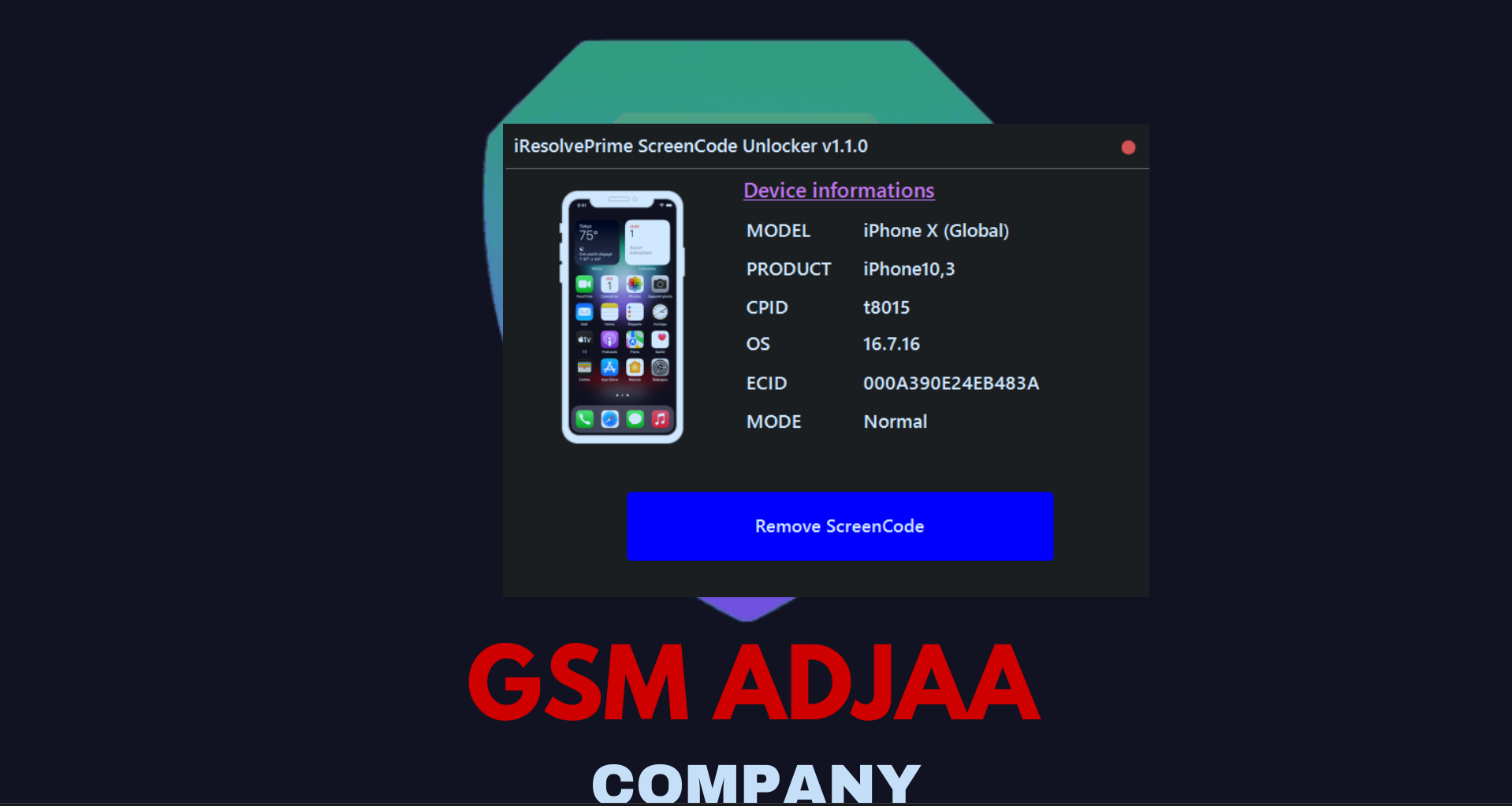
iResolvePrime ScreenCode Unlocker Interface
100% Success Passcode Removal
< 30 Seconds Execution Speed
Direct Exploit A7 – A11 (No Pico Required)
iPhone 5s – 11 PM & iPad 5–9th Gen
Interactive Tool Showcase

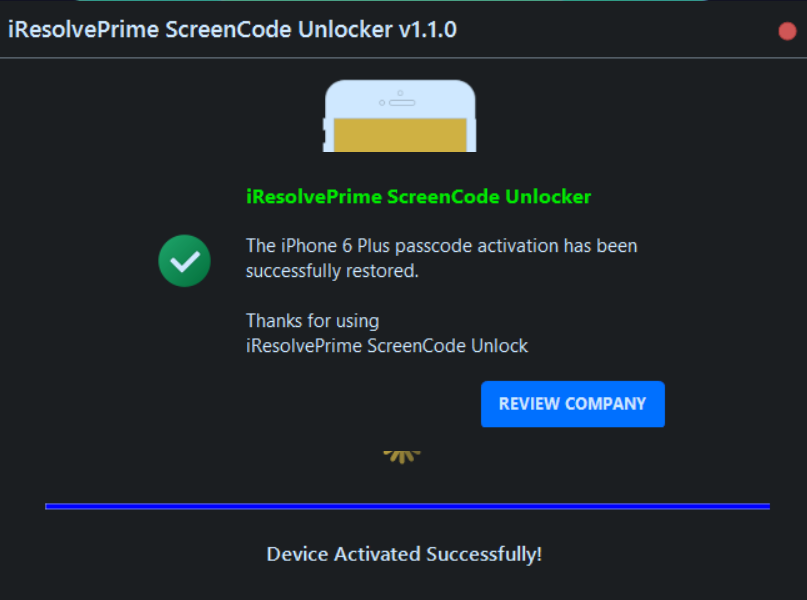
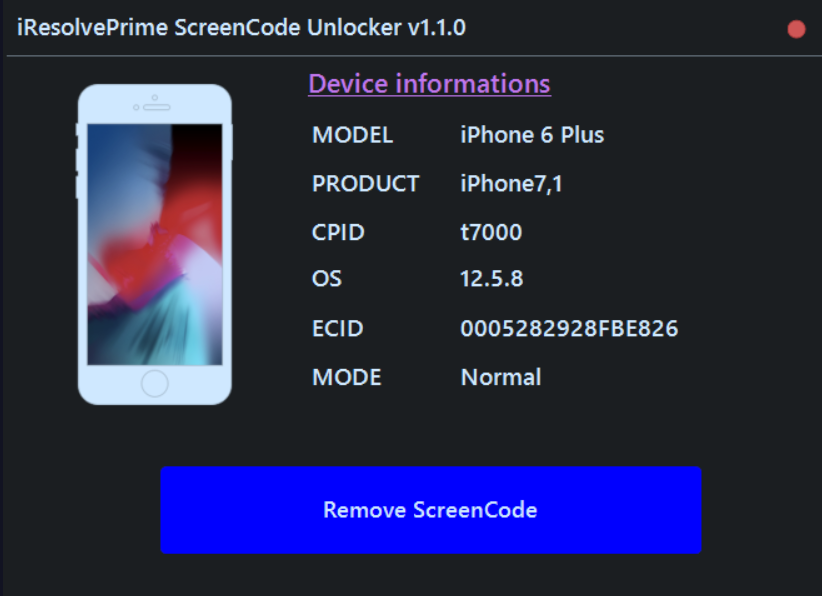
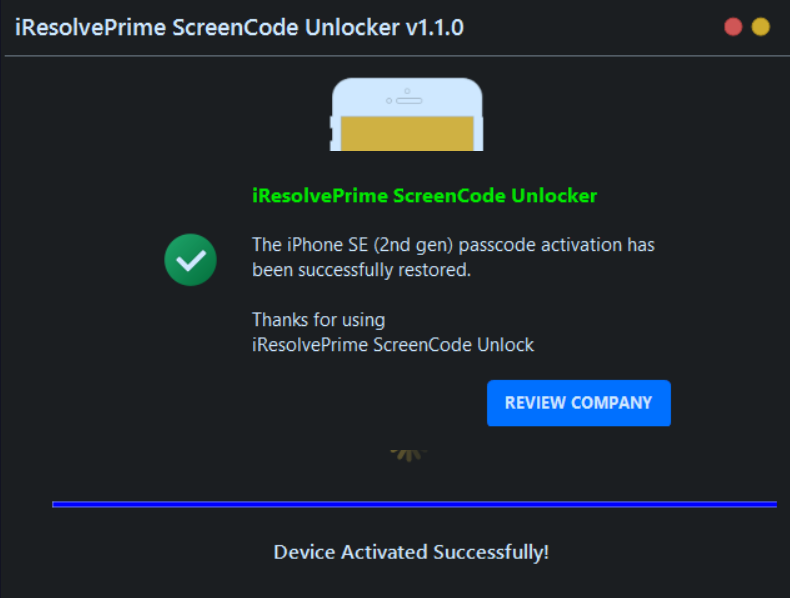
Live Software Interface & Preview

Take a visual tour through iResolvePrime ScreenCode Unlocker with our clean auto-swiping screenshots.

Main ScreenCode Dashboard
Stage 1 Device Detection and Backup
Stage 2 Restore Backup Cleanly
Custom Backup Load and Driver Repair
Simple 2-Click Workflow

How To Unlock Screen Passcode

Our streamlined 2-click process uses the "Remove ScreenCode" button for both stages, guaranteeing 100% clean passcode removal.

1
Click 1: "Remove ScreenCode"

Stage 1: Automatic Backup & Device Erase

Connect your iPhone or iPad in Normal / Recovery / DFU mode and press the "Remove ScreenCode" button to begin the initial stage:

  • Direct software exploit executed over standard USB — no Pico board needed.
  • Generates a secure passcode & activation ticket backup archive automatically.
  • Performs a clean device erase to clear disabled, unavailable, and lockout screen states.
2
Click 2: "Remove ScreenCode"

Stage 2: Clean Backup Restoration

Once the device boots up cleanly to the Hello / setup screen, simply click the "Remove ScreenCode" button a second time:

  • Restores the backed-up activation ticket onto the clean device.
  • Device activates instantly with zero screen passcode or PIN protection.
  • Full device accessibility restored — ready to set up personal Apple ID.

Already Have a Backup From Another Tool or Already Erased Your Device?

If you already possess a passcode backup created using other software tools and have already erased the device, our software provides a dedicated "Load Custom Backup" option. Simply select your archive file and restore yourself directly without problem.

.ZIP Archive .TAR.GZ .RAR .7Z Raw Folders
Release History

Official Release Changelog

Track new features, silicon chip support expansions, and software enhancements across versions.

📋 CHANGELOG — v1.1.0

LATEST RELEASE
Current Version
  • Added A7 – A11 CPU Support (Direct Exploit): Full screen passcode bypass support for iPhone 5s through iPhone X and iPad 5th/6th/7th Gen. Directly exploited over USB without requiring any Pico board.
  • Pico Auto Programmable Board Support: Automated flashing & board configuration for:
    Waveshare RP2350 USB-A Waveshare RP2350 Zero Pimoroni TINY2350 Raspberry Pi Pico 2
  • Support Custom Passcode Backup from Other Software: Universal archive reader allowing import of any compressed backup format (.zip, .tar.gz, .rar, .7z, or folders) without needing to re-erase.
  • Added Auto Scan Device: One-click intelligent device mode detection (Normal, Recovery, DFU, and PWNDFU).
  • Driver Repair & USB Stability: Fixed bugs and improved stability during driver installation, LibUSB filter conflicts, and device handshake.

📋 CHANGELOG — v1.0.0

INITIAL RELEASE
Initial Launch
  • Initial Release: Launch of iResolvePrime ScreenCode Unlocker software.
  • Added A12/A13 CPU Support: Passcode bypass support for iPhone XR, XS, XS Max, iPhone 11, 11 Pro, 11 Pro Max, and iPad 8th/9th Gen.
  • Added Automatic Board Setup: Plug-and-play board detection and setup wizard.
  • Added DFU Helper: Built-in visual step-by-step assistant for entering DFU mode.
Compatibility Matrix

Supported iPhone & iPad Models

Comprehensive coverage spanning iPhone 5s – 11 Pro Max and iPad 5th – 9th Gen across A7–A13 architectures.

A7 – A11 Bionic Devices

Direct • No Pico Needed

Direct software exploit via standard USB cable. No external Pico board or hardware glitcher required.

iPhone 5s iPhone 6 / 6 Plus iPhone 6s / 6s Plus iPhone SE (1st Gen) iPhone 7 / 7 Plus iPhone 8 / 8 Plus iPhone X iPad 5th Gen (2017) iPad 6th Gen (2018) iPad 7th Gen (2019) iPad Air 1 / 2 iPad mini 2 / 3 / 4 iPad Pro (9.7", 10.5", 12.9")

A12 – A13 Bionic Devices

Requires Pico Board

Requires a supported Raspberry Pi Pico / RP2350 microcontroller board for automated hardware exploit execution.

iPhone XR iPhone XS / XS Max iPhone 11 iPhone 11 Pro iPhone 11 Pro Max iPhone SE (2nd Gen 2020) iPad 8th Gen (2020) iPad 9th Gen (2021) iPad Air (3rd Gen) iPad mini (5th Gen)
A12 / A13 Exploit Hardware

Pico Auto Programmable Boards

Supported RP2350 programmable microcontroller boards required for A12 – A13 CPU exploitation with 1-click auto-flashing.

Waveshare RP2350 USB-A

Direct USB-A plug-and-play dongle format with ultra-stable clock.

Auto Flashed
Waveshare RP2350 Zero

Compact micro form-factor ideal for portable hardware unlock setups.

Auto Flashed
Pimoroni TINY2350

High-precision dual Cortex-M33 / RISC-V board with power filtering.

Auto Flashed
Raspberry Pi Pico 2

Official RP2350 microcontroller board supported with instant flashing.

Auto Flashed
Frequently Asked Questions

Got Questions?

Everything you need to know about the 2-Stage Remove ScreenCode workflow and supported devices.

You click the "Remove ScreenCode" button for both stages! In Stage 1, clicking "Remove ScreenCode" creates the passcode backup and cleans the device lock state. In Stage 2 (after the device boots to Hello screen), clicking "Remove ScreenCode" a second time restores the backup cleanly without any passcode.

  • A7 – A11 Devices (iPhone 5s – iPhone X, iPad 5–7): Direct exploit via standard USB cable — NO Pico Board needed.
  • A12 – A13 Devices (iPhone XR – 11 Pro Max, iPad 8–9): Need a Pico Board (Waveshare RP2350 USB-A, Waveshare RP2350 Zero, Pimoroni TINY2350, or Raspberry Pi Pico 2) to perform the exploit. Our software automatically programs the board with 1 click.

You do not need to re-erase! Simply use our built-in "Load Custom Backup" option to load your compressed archive (supports .zip, .tar.gz, .rar, .7z, or folders) and restore it yourself directly to complete the unlock instantly.

Full support is available for iPhone 5s up to iPhone 11 Pro Max and iPad 5th Generation up to iPad 9th Generation (including iPad Air, iPad mini, and iPad Pro models across A7 through A13 CPUs).
Instant Windows Download

Ready to Unlock Screen Passcodes Fast?

Download iResolvePrime ScreenCode Unlocker v1.1.0 today and bypass screen locks with the 2-Stage Remove ScreenCode workflow.